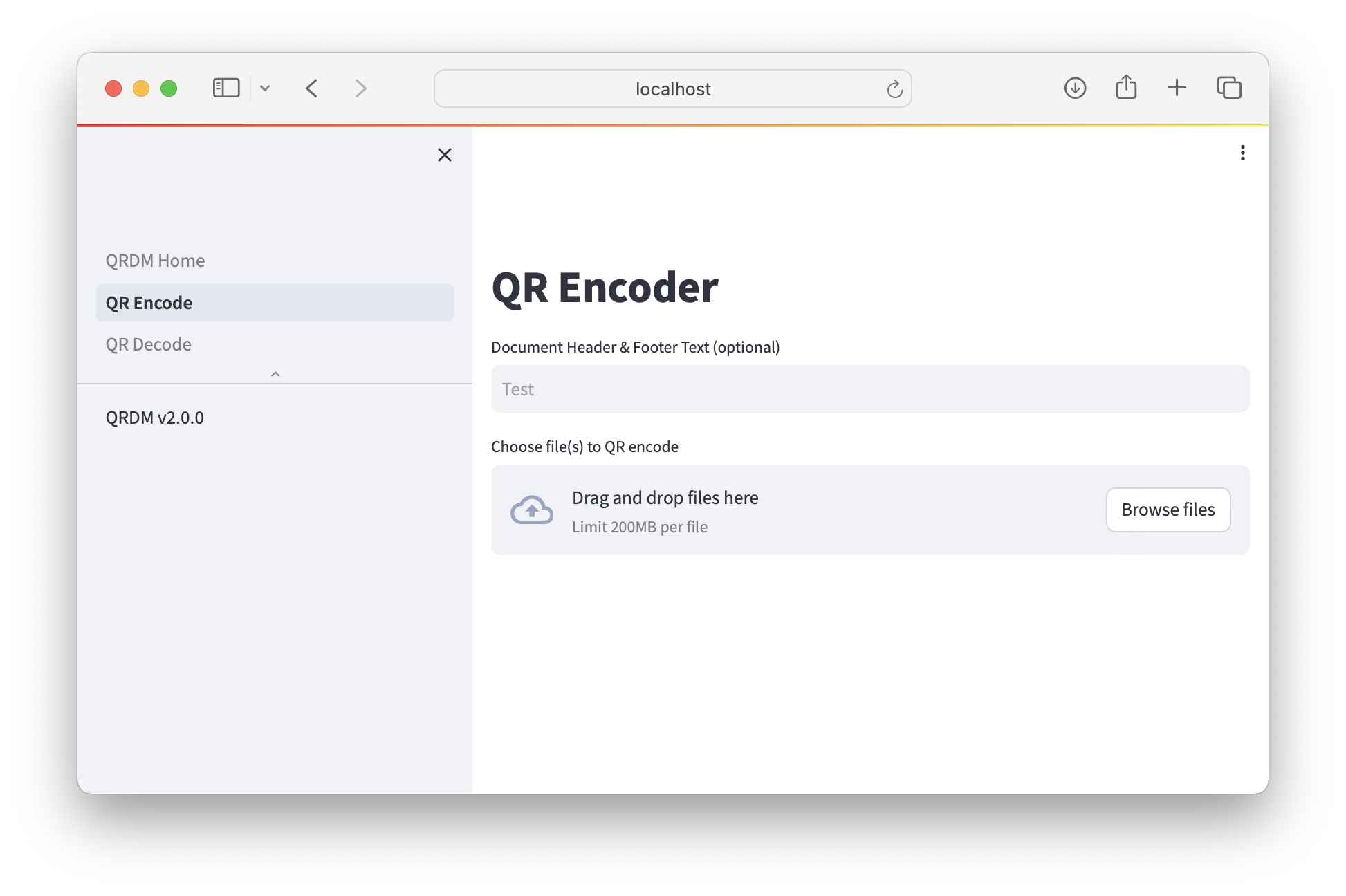
Web UI
A Streamlit frontend can be run via:
git clone https://github.com/mit-ll/qrdm
cd qrdm
python -m pip install .[frontend]
streamlit run ui/QRDM_Home.py --client.toolbarMode=viewer
This will host the app at http://localhost:8501 by default, with pages for QR encoding
and decoding. The host and port can be controlled by passing --server.port=XXXX and
--server.address=X.X.X.X, as per the syntax of the streamlit run command.
The Web UI provides interactive controls for:
Encoding: Choosing layout presets (
default,flatbed,photo), enabling minimal-page mode, and toggling plaintext printing.Decoding & Verification: Reconstructing original documents or performing non-destructive verification without saving output files.